
Managers
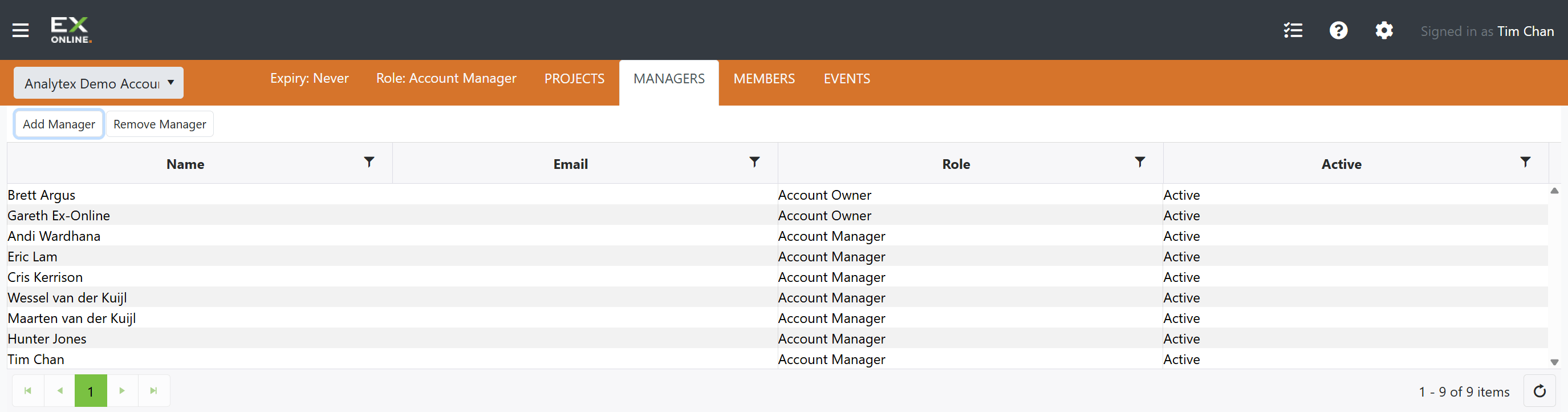
The Managers tab on the Accounts Page lists all users who hold an Owner or Manager role in the current account. Owners and Managers can add or remove Managers from here. Only Owners can add or remove other Owners.
Managers Grid
Section titled “Managers Grid”The grid displays every Owner and Manager in the account.
| Column | Description |
|---|---|
| Name | The user’s display name |
| The email address associated with the user’s Ex-Online account | |
| Role | Either Account Owner or Account Manager |
| Active | Whether the user is currently active in the account |
Each column header includes a filter control for narrowing the list.
Toolbar
Section titled “Toolbar”The Managers toolbar provides two actions.
| Button | Description |
|---|---|
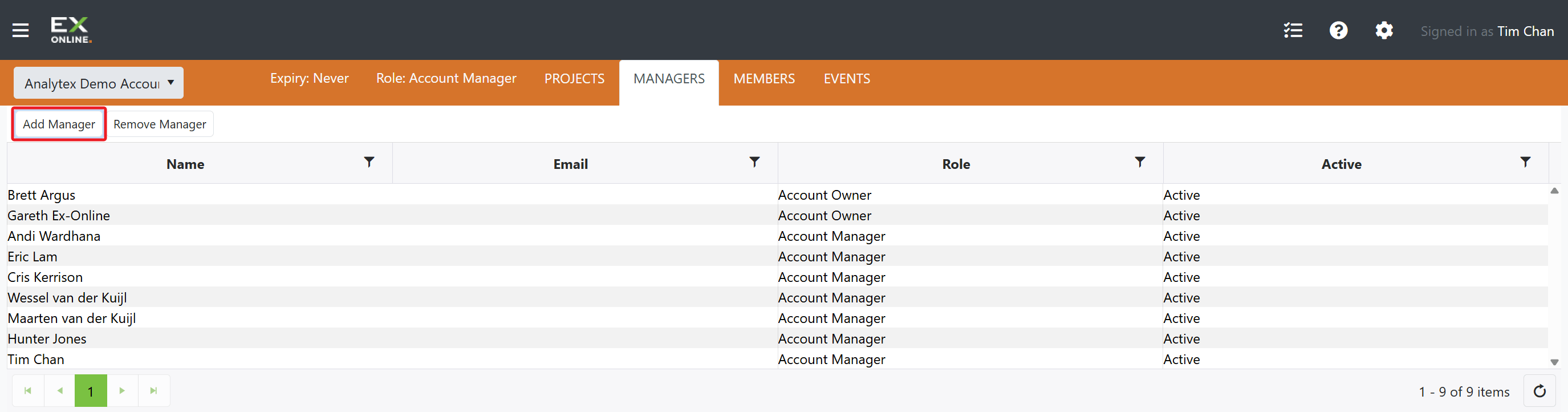
| Add Manager | Opens a prompt to add a new Manager by email address |
| Remove Manager | Removes the selected Manager from the account |
Adding a Manager
Section titled “Adding a Manager”The Add Manager button prompts for an email address. If the email belongs to an existing Ex-Online user, that user is immediately promoted to Account Manager. If the email is not yet registered, an invitation is sent.
When a user is added as a Manager:
- They gain Manager-level access to all existing projects in the account.
- They are automatically included in all future projects created in the account.
- They appear in the Managers grid immediately.
Removing a Manager
Section titled “Removing a Manager”The Remove Manager button removes the selected manager from the account. A confirmation prompt appears before the removal takes effect.
When a Manager is removed:
- They lose access to every project they were not individually added to.
- If they were also added to specific projects as a named user, they retain access to those projects at whatever role was assigned.
- They no longer appear in the Managers grid but may still appear in the Members tab if they remain on at least one project.
Owners vs. Managers
Section titled “Owners vs. Managers”Both Owners and Managers appear in the Managers grid, but their capabilities differ:
| Capability | Owner | Manager |
|---|---|---|
| Add/Remove Owners | Yes | No |
| Edit Owner permissions | Yes | No |
| Add/Remove Managers | Yes | Yes |
| View and manage all projects | Yes | Yes |
| Create and delete projects | Yes | Yes |
| Manage project users | Yes | Yes |
For the full permission matrix, see User Permissions.
Related Topics
Section titled “Related Topics”- Owner & Manager View — Full Accounts Page as seen by Owners and Managers
- User Permissions — Complete permission reference
- Inviting Users — Step-by-step guide for adding users